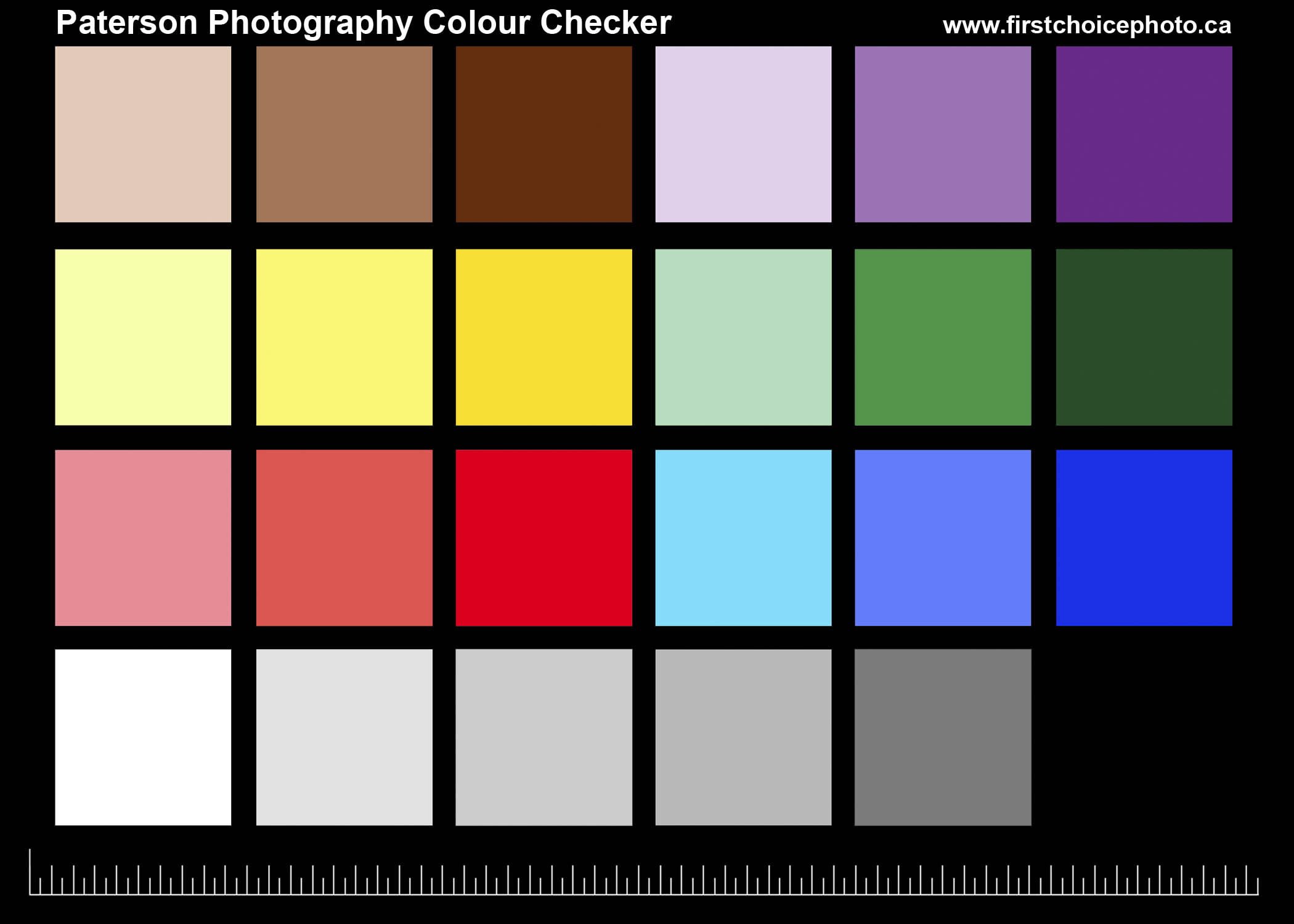
Use This Free Printable Color Checker to Get Better Photos
I’m not someone who buys gear just because it might work. But for a while now, I’ve been thinking about getting and using a color checker to improve colour accuracy in my images.
Today, while watching a video to pass some time, I noticed the presenter using one that they bought. That got me thinking, why not make my own color checker and see if it actually works?
So a few minuted on Photohop and I sent the file to one of my printers and I had my own version.
So does it work? The short answer? It works great.
What Is a Color Checker?
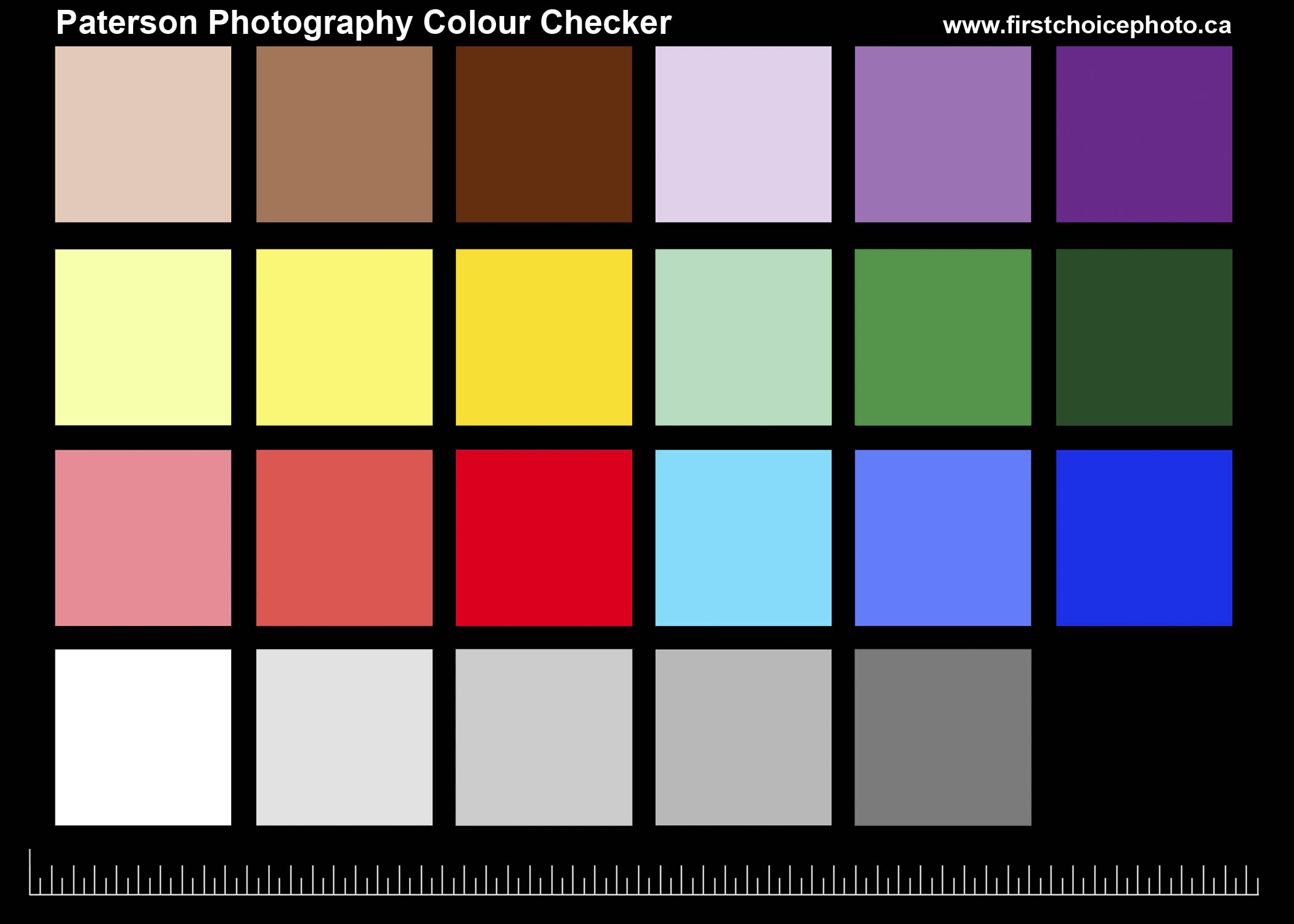
A color checker is a reference tool used to help you correct colour and white balance in your digital images. Whether you are shooting RAW or JPEG. It gives you known neutral values, white, grey, and black, that you can use to compensate for colour casts caused by lighting conditions.
I do a lot of colour-sensitive photography, including real estate and artwork reproduction, where accurate colour really matters. My goal was to find something simple that would help me fine-tune colours as close to reality as possible, without spending a lot of money in case it did not work.
This does exactly that.
How Does a Color Checker Work?
Great question, and I’m glad you asked
The process is simple:
- Take your photos as usual.
- Using the same camera settings, take one additional photo of the scene with the color checker visible in the frame.
- This works whether you’re shooting JPEG or RAW.
Once you’re done shooting:
- Open the reference image in Photoshop
- Add a Curves adjustment layer or a Levels Layer
- Use the eyedropper to click on the white, grey, and black areas of the color checker
Photoshop then adjusts the colour values to where they should be.
From there, you simply apply that same adjustment layer (by dragging and dropping) to the rest of the images shot under the same lighting conditions.
That’s it.
There’s More Than One Way
This is just one way to use a color checker. There are other tools, methods, and even dedicated hardware solutions available. But I was looking for something that was:
- Inexpensive
- Fast
- Easy to use
And this checks all the boxes.
Real-World Example: The Wall
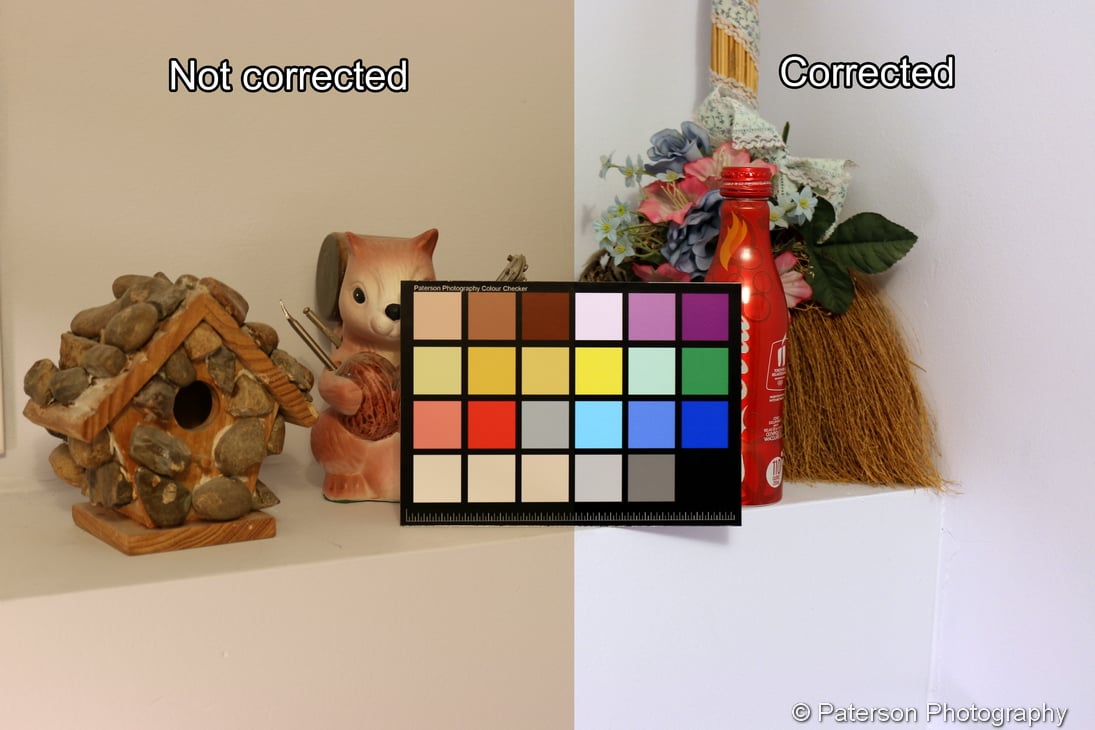
In the image of the objects on the shelf, you can clearly see what a quick colour correction can do.
I took the photo, opened it in Photoshop, and used Curves to click on the black, grey, and white points. The entire adjustment took less than one minute.
The uncorrected image on the left would have passed for most people. However, the wall is actually a very subtle light blue. Once corrected, the image on the right shows the wall at 100% accurate colour.
Test 2: The Bird Cage
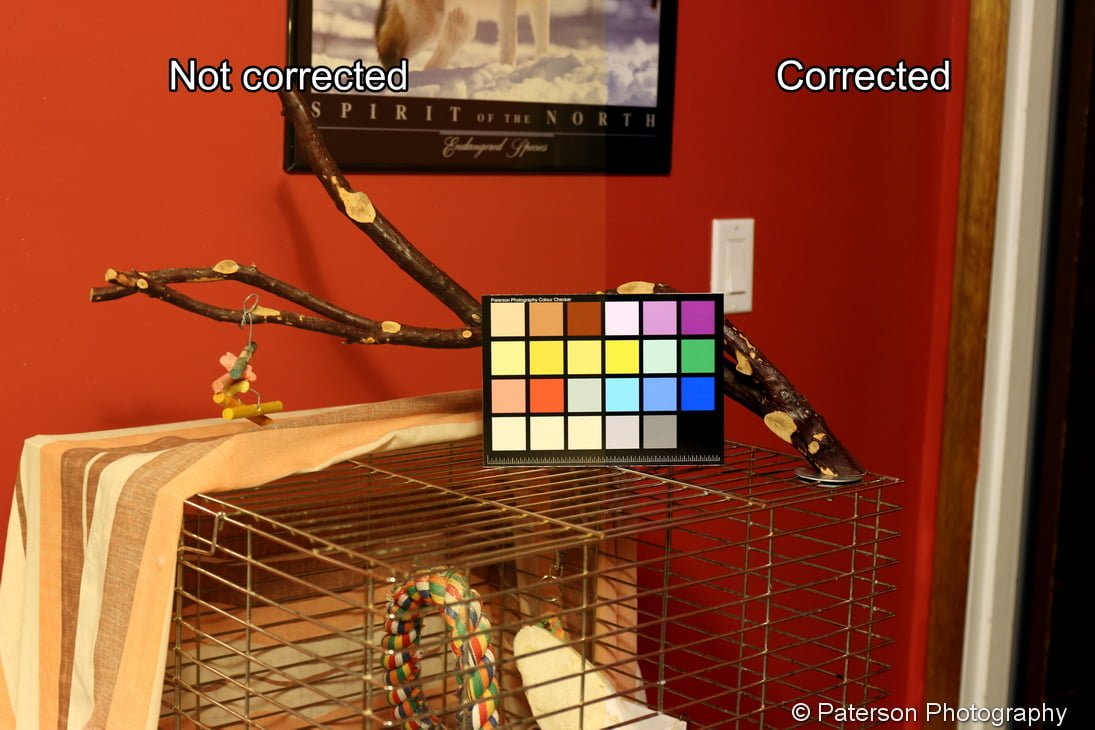
The bird cage image was taken in a room that suffers from two issues:
- Colour cast from the light
- Colour contamination from the walls
This one is a bit more subtle, but if you look closely at the wall or the picture above the cage, you’ll notice the difference. The corrected version has cleaner, more accurate colour that better reflects the real scene.
Learn more about how to use a color checker out this video on my YouTube channel
If you want to print your own copy for personal use only, click here for a FREE 5×7 printable version
Final Thoughts
If you care about colour accuracy, and don’t want to spend a lot of money, this free color checker approach is well worth trying. It’s quick, effective, and can dramatically improve your results, especially for colour-critical work.
Sometimes the simplest solutions really do work.

Why Paterson Photography Ltd. / First Choice Photo?
We do one thing, and we do it exceptionally well: create the best photo prints possible.
At Paterson Photography Ltd. / First Choice Photo in Lethbridge, we’re not a big-box store selling everything under the sun. We’re a dedicated professional photo lab, focused entirely on quality.
From digital files and cell phone photos to negatives, slides, and photo restoration, our mission is simple:
Deliver the best possible image, no matter the source.
You’ll work directly with a master photographer, not a self-serve kiosk or part-time staff. We take the time to answer your questions, guide you through the process, and ensure your prints look their absolute best.
Quality printing. Quality service. No shortcuts.
When your photos matter, Paterson Photography Ltd. / First Choice Photo is the only choice.